
Your clients see your brand. Everywhere.
Upload your logo, pick your colour, and the whole client experience becomes yours: the portal they log into, the sign-in email that gets them there, and the quote emails you send. White-label, without the enterprise price tag.
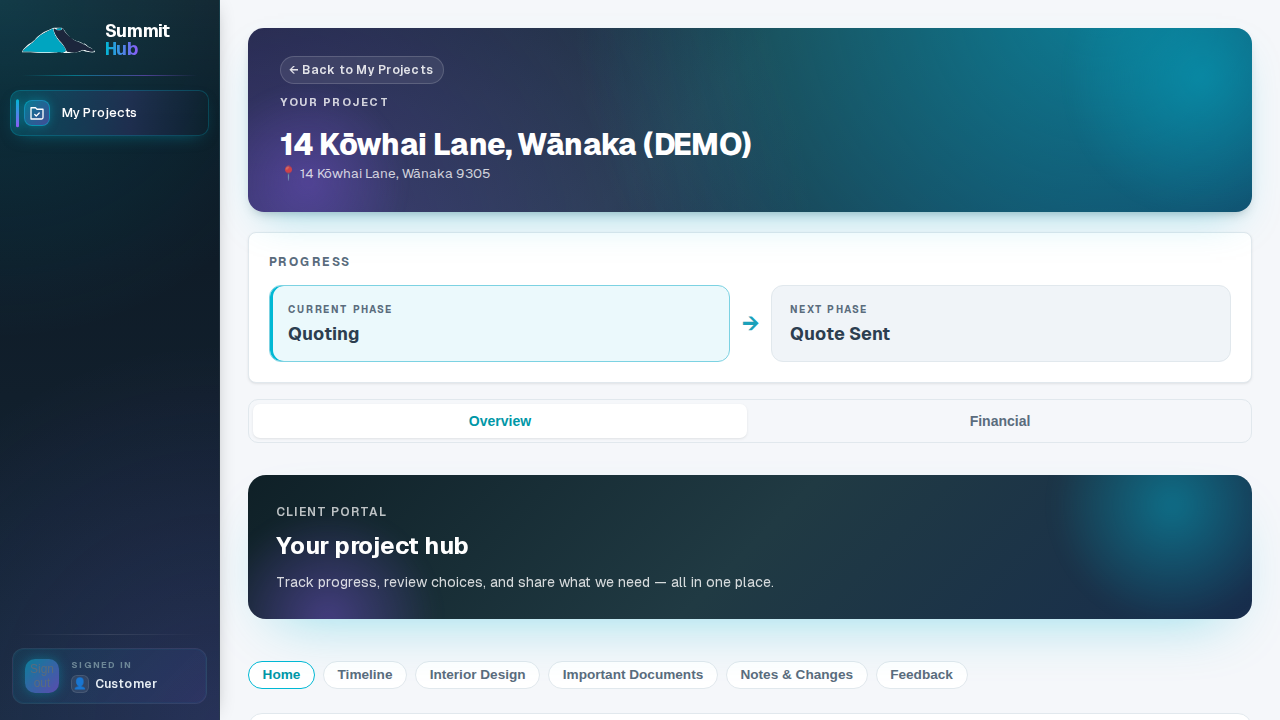
A portal that looks like your business, not ours
Your logo and company name take over the portal chrome, and your accent colour re-themes the whole surface: buttons, highlights, progress bars. To your client it's your company's portal; Summit Hub is just the engine underneath.
- Logo and wordmark. Your logo and business name replace ours in the portal your clients sign into.
- Your accent colour. One colour choice re-themes the client surface: no CSS, no designer, no rebuild.
- Staff view untouched. Branding dresses the client side only; your team's pipeline and financials keep the standard look.
From the sign-in link to the quote, every email carries your name
When a client requests their sign-in link, the email arrives with your logo, your name and your colour. Email a quote and it leads with your letterhead, matching the branded PDF attached to it. The first impression and the last are both yours.
- Sign-in emails. The magic-link email your client taps to reach their portal is branded as your business.
- Quote emails. Quote emails open with your logo and an accent-coloured letterhead, consistent with the PDF.
- Minutes to set up. Settings → Branding & email: set your name, upload a logo, pick a colour, save. That's the whole job.
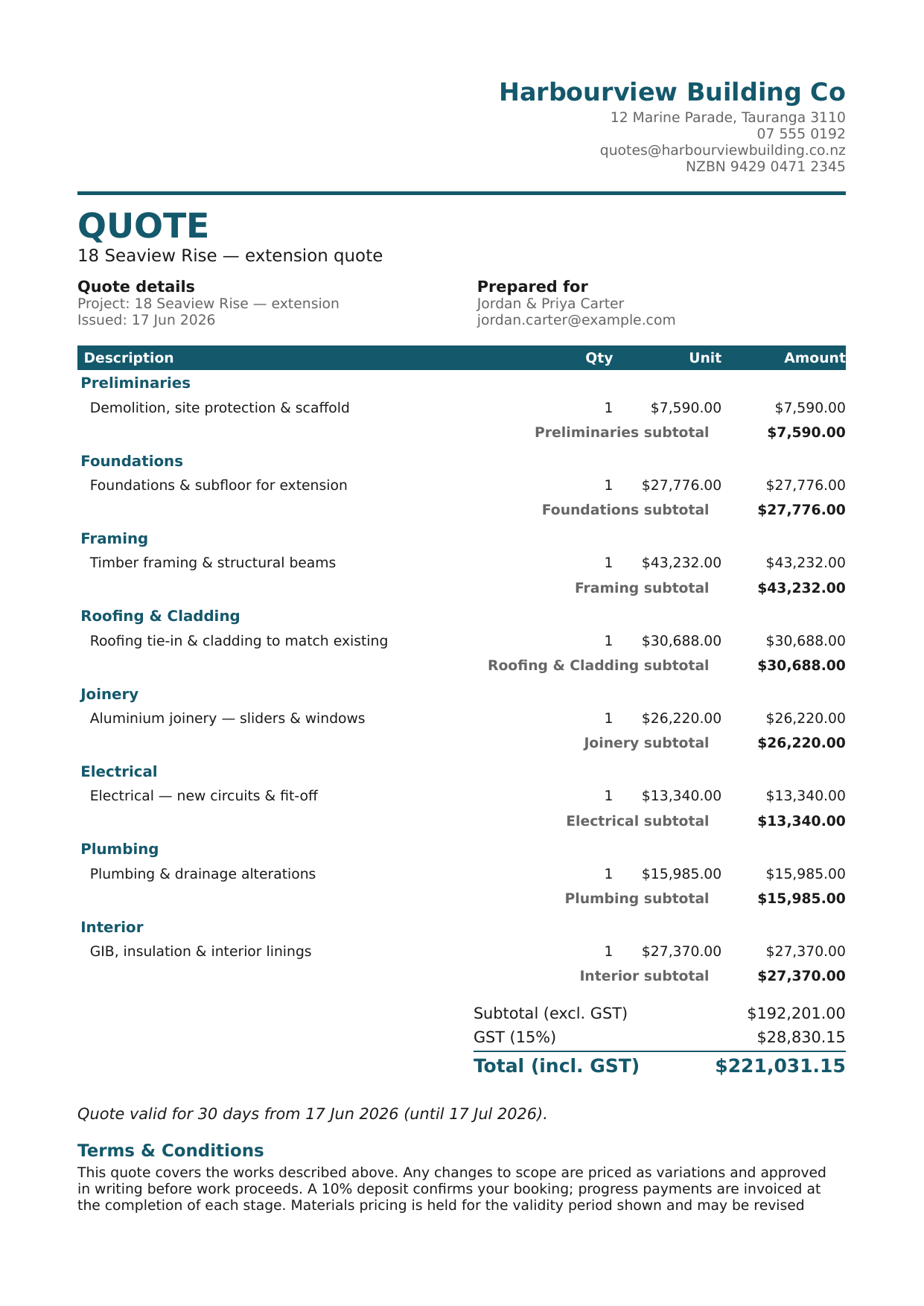
Client branding is on every plan
Look like the established firm you are.
Client branding is included on every plan. Set yours up the day you sign up.
See pricing