
Every Job on the Board. Every Follow-Up Off Your Plate.
You're the one who knows where every job stands. That shouldn't mean being the one who chases all of it. Summit Hub gives you the board, a company-wide programme, automations drawn on a canvas, a shared To-Do board with a bell, and an assistant you can just ask.
Built for the person juggling every job at once, not just one at a time.
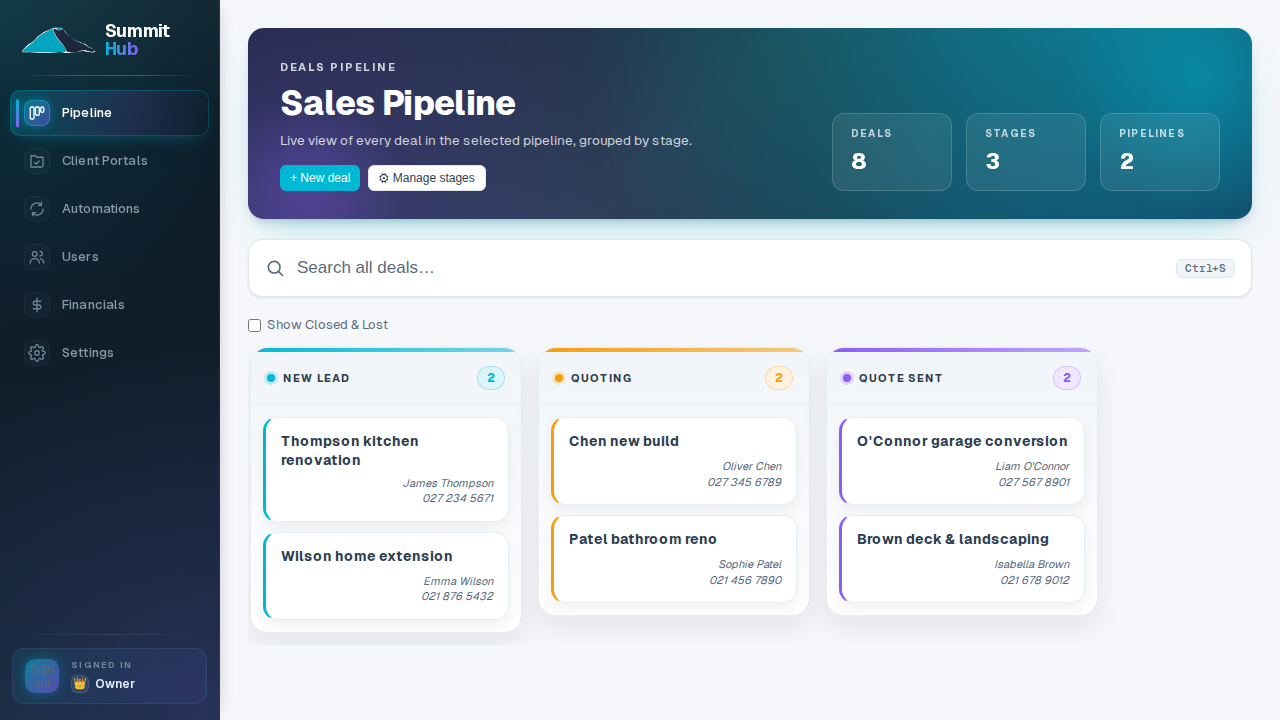
A week on the board
The same week you're running now, with the chasing handed off.
- MON 07:12The sweep
Every job's stage is true before the first coffee
Filter the board and read the week: what's in quoting, what's waiting on a signature, what starts Thursday. The answer lives on the board, not in someone's head or a whiteboard photo.
- MON 07:40The weekend's leads
Saturday's enquiry is already a deal
The website form filed it into the right pipeline stage, matched the repeat contact, and the acknowledgement email went out Saturday morning: an automation you drew once on the canvas.
- TUE 10:05The rain day
Drag one task; the programme absorbs it
Push the frame stage out two days and every dependent task shifts with it. The crew's phones update through the calendar feed (Google, Outlook or Apple) before smoko.
- WED 13:30The chasing
The follow-ups send themselves
A deal entering a stage triggers the email, the task, the delay-then-check, on every job, every time. The bell tells you what changed overnight, and your own tasks sit on the To-Do board.
- THU 15:20Site calls
Give site the answer without giving site the office
Field accounts see the scope, specs and programme for the jobs they're assigned to, and a site issue goes straight to the office instead of a text to you. They never see a dollar figure or an edit button on the job itself. On a job they lead, a Site Lead can hand out the day's tasks to the rest of the crew.
- FRI 16:45The question
Ask the Hub, not five open tabs
“What's still uninvoiced on the Henderson build?” The assistant answers from your live deals, estimates and schedule, through the permissions your account already has.
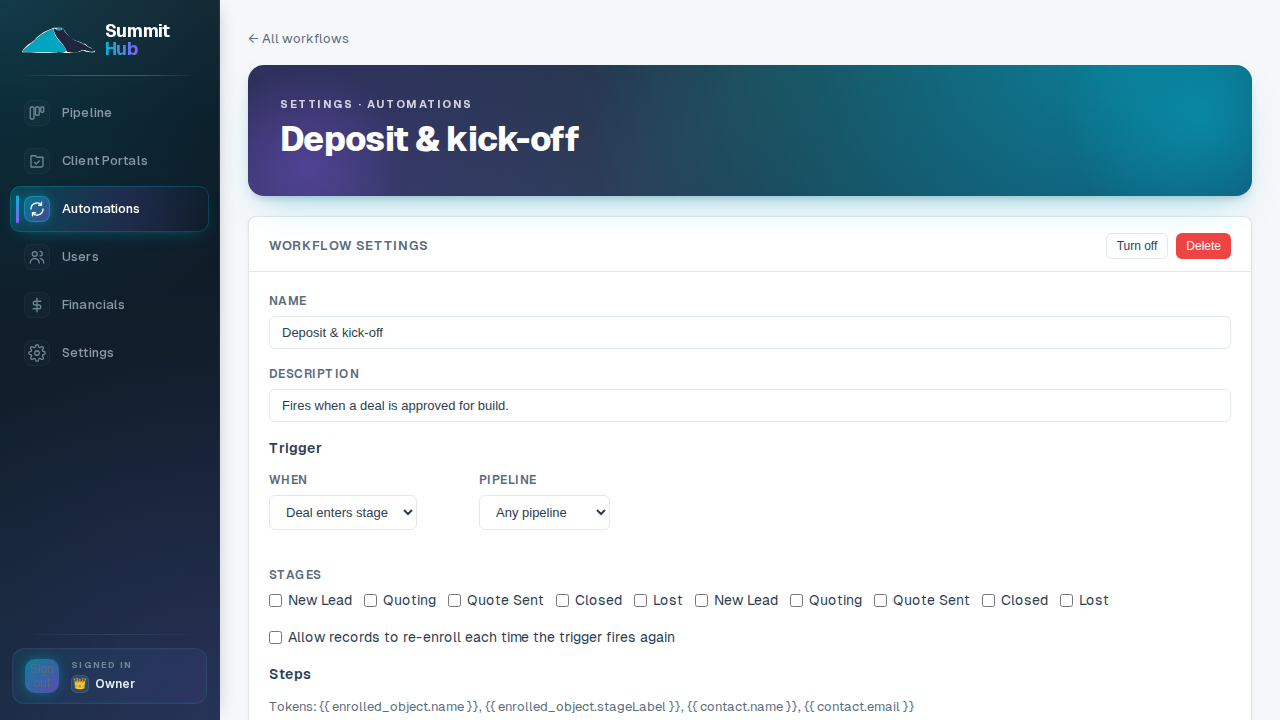
Draw the follow-up you keep doing by hand
Wire an automation's steps up as a flowchart: triggers, emails, tasks, delays, branches. Watch live enrollment counts on every step, check a workflow's health at a glance, and follow any record's journey through it when someone asks “did they get the email?”
- Triggers from your pipeline. Stage moves and new deals start workflows without anyone touching them.
- Tasks assigned to real people. Chase the crew, not your own memory, for what happens next.
- Safe to turn on gradually. A workflow only enrols new events once enabled, and switches off instantly.
Workflow automations come with the Company plan.
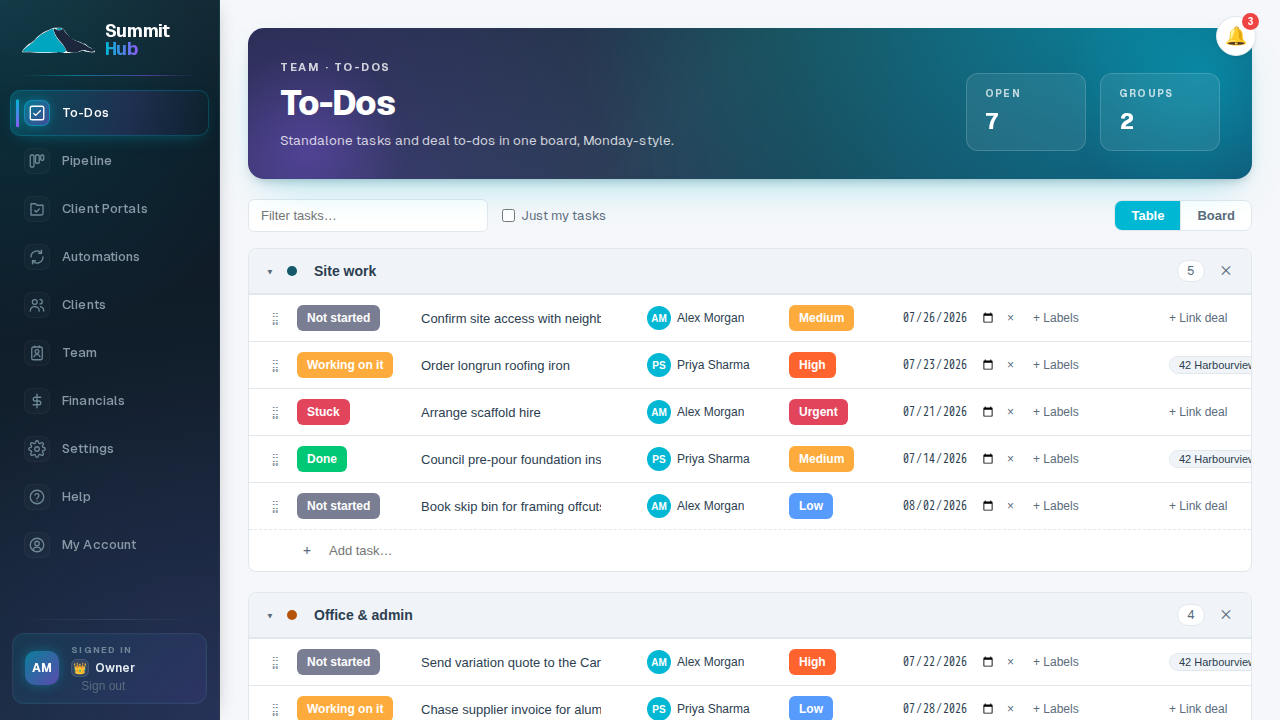
One board for the crew's week, with a bell for what changed
A Monday-style board the whole team shares: statuses, priorities, assignees, due dates, groups you drag into order, and a link back to the deal it belongs to. The bell closes the loop (assigned, finished, commented, or a deal moved) so nothing waits for the next toolbox meeting.
- Table or kanban, same board. Office works the table; whoever prefers cards gets cards.
- Comments live on the task. The discussion stays attached to the work, not in a group chat.
To-Dos and notifications are on every plan.
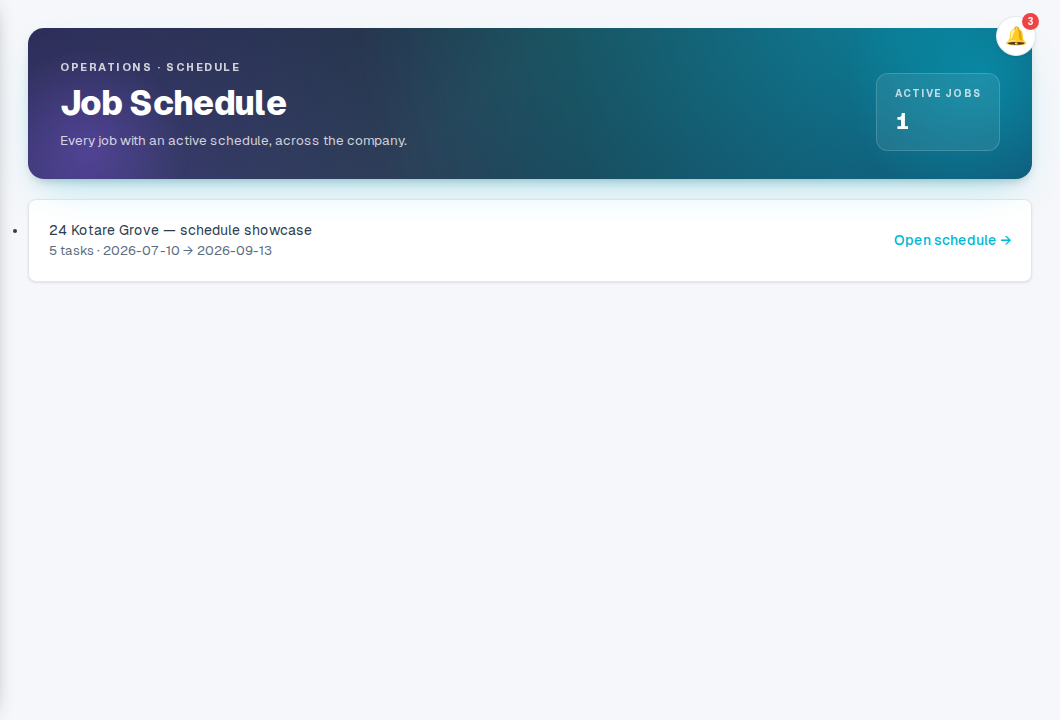
Every job's programme on one wall
Each job gets its own Gantt; the master view lays every scheduled job out company-wide, so Tuesday's clash between the roofers and the scaffold comes off the wall planner and onto a screen that stays current.
- One page, every crew. See what's running, what's next, and where the gaps are.
- A list when you want one. The same schedule as a plain task list: the Gantt is one toggle away.
Job scheduling is on every plan.
The answer, without the tab-hopping
What's left in Roofing? Which jobs run next week? What's still uninvoiced? Ask in plain English and get the number back from your live job data, and when the follow-on is “right, add it as a task”, it does the typing, with anything destructive held for your approval.
- Answers from your own jobs. Deals, estimates, tasks and the schedule, through your existing permissions.
- Approve the risky bits. Deletes and status flips stop on a card with Approve and Decline.
The AI assistant comes with the Company plan, for your staff only.
Lead capture comes with Crew; automations, permissions & the assistant with Company
The rest of the set
The same job, drawn for the other people holding it.
Hand the chasing to the Hub.
Automations, granular permissions and the AI assistant anchor the Company plan. See the full comparison.
See pricing