
Build the quote once, in as many layouts as you sell.
Cover page, personal cover letter, photo gallery, pricing, terms and payment: build more than one named template out of the same blocks. Pick which one (and which sections) goes out each time you download a quote; e-signing and emailed quotes always use your default template, so every send is on-brand.
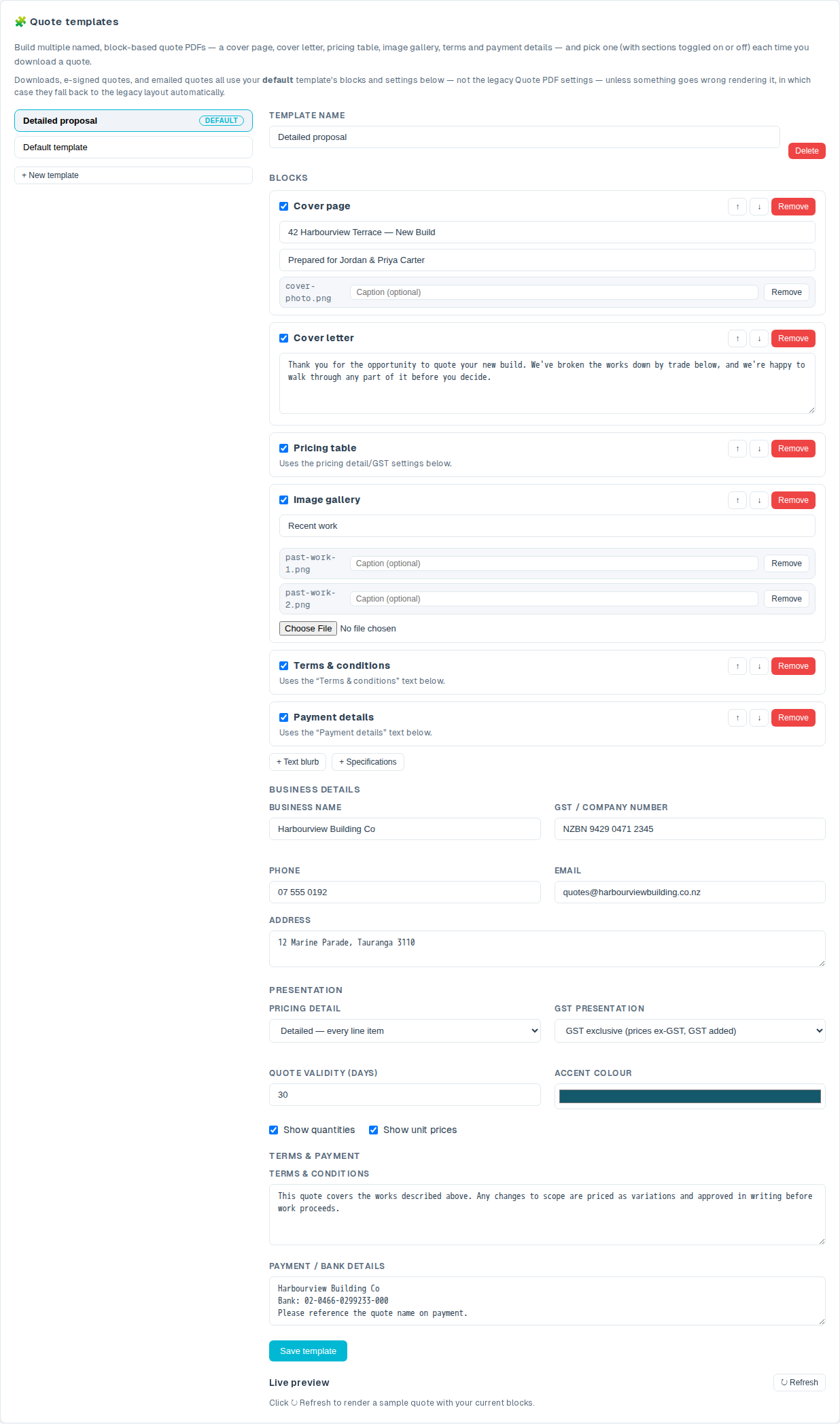
Cover page, cover letter, gallery, pricing: tick the blocks you want, in the order you want them
Start from your existing Quote PDF branding, copied automatically into a Default template the first time you open Settings → Estimates & quotes → Quote templates. From there, build as many named templates as you sell differently (a detailed proposal with a photo gallery for a big renovation, a lean one-pager for a quick repaint), each with its own blocks, business details and accent colour.
- Every block is optional, in any order. Cover page, cover letter, a free-text blurb, pricing table, image gallery, terms and payment: tick a block on, reorder with ↑/↓, and see it update in a live preview.
- Nothing overwrites your work by accident. Switching templates with unsaved changes asks first, and deleting one always confirms, naming exactly how many photos go with it.
- Specifications fold straight in. If you flag line items for a written spec, tick the Specifications block on and the same price-free write-ups and photos appear inside the client's quote too.
Whichever template you set as default is the one that actually goes out
Set one template as Default and it's the one used automatically the moment a quote goes out (downloaded, e-signed or emailed), with your current branding overlaid even if the template's own copy is older. Pick a different template just for one download without touching the default, and untick any section you don't want in that particular copy.
- E-signing and emailing use it too. Not just Download PDF: the client's e-sign link and an emailed quote both render from your default template's blocks.
- A failed render never blocks the quote. If a template fails to build for any reason, the quote falls back to your plain branded PDF instead of failing outright, so a quote can always go out.
- Per-download control, no permanent change. Turn a section off just for this download (skip the cover letter for a repeat client) without editing the template itself.
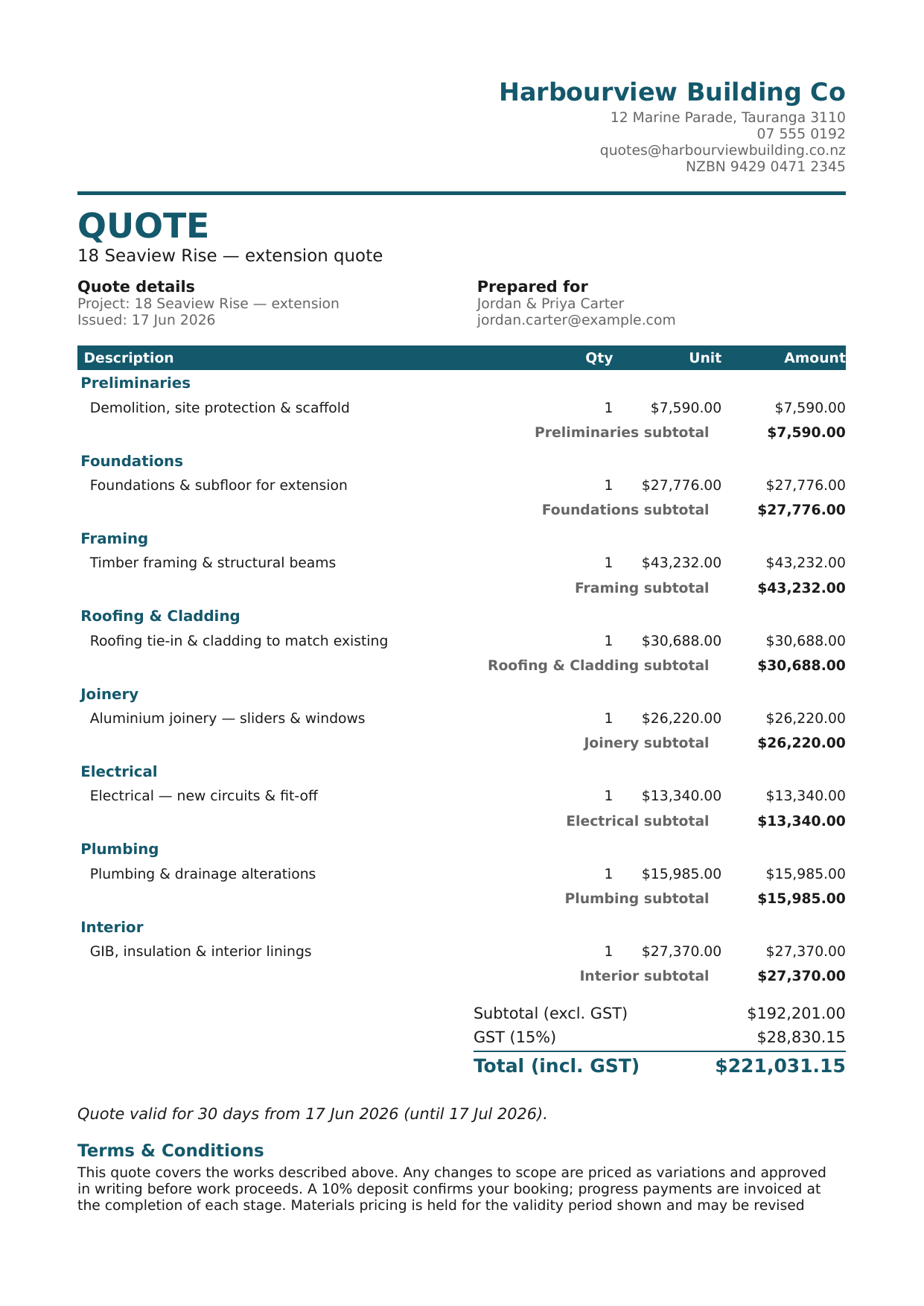
Quote templates comes with Crew
One quote PDF was fine. Now you can have the right one for every job.
Quote templates comes with Crew and Company. See what else is included.
See pricing