
Client emails land on the job they belong to.
Your team keeps using Outlook or Gmail as normal. Add the job's log address to Bcc, or press Email client on the deal, and a copy of the email is kept in that job's activity for the whole team. Only the emails you copy in are kept. It works for deals in Summit Hub's own CRM.
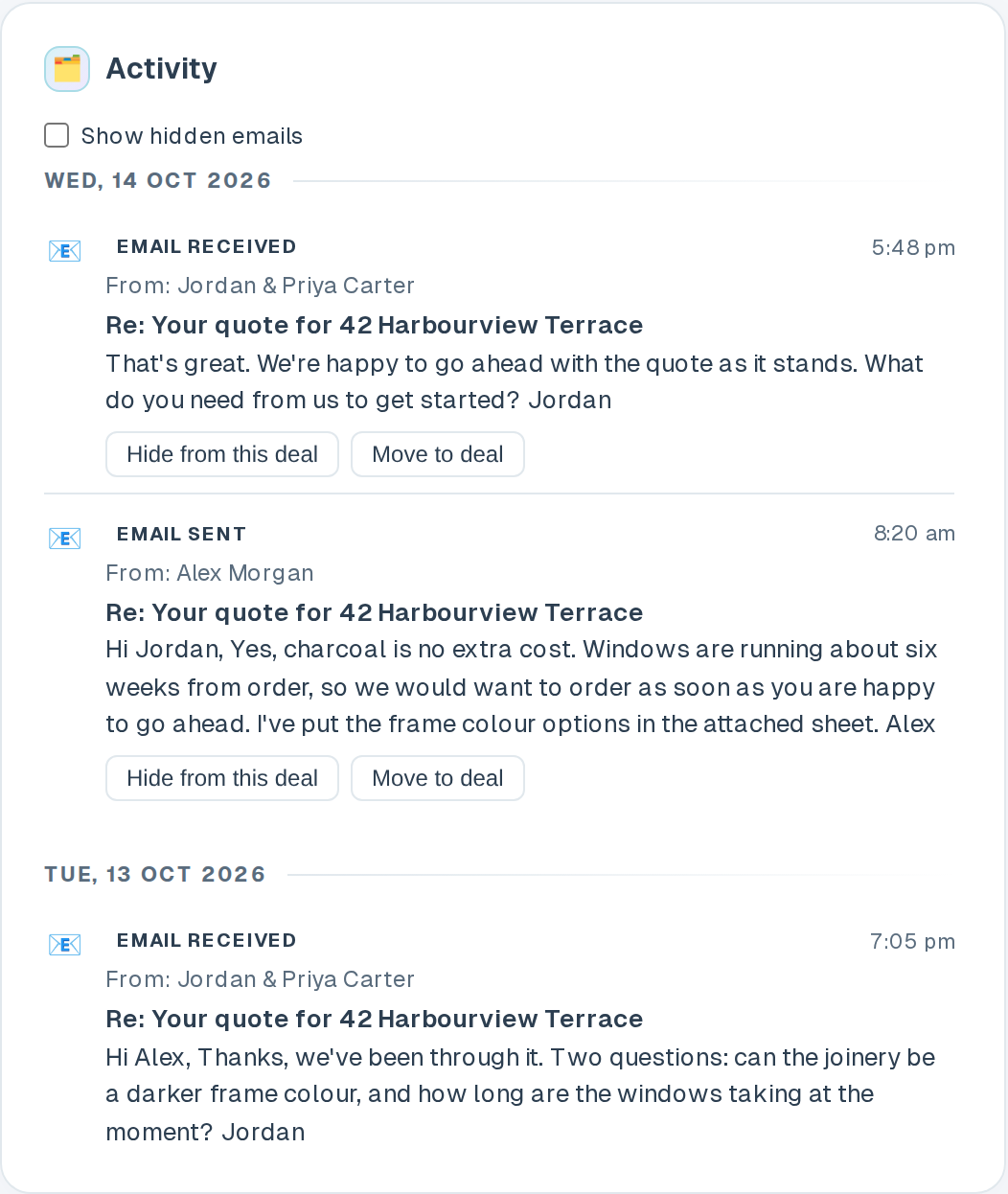
Add the address in Bcc and the email is on the job.
Every deal has its own log address, and your organisation has one too. Email your client the way you always do and add the address in Bcc.
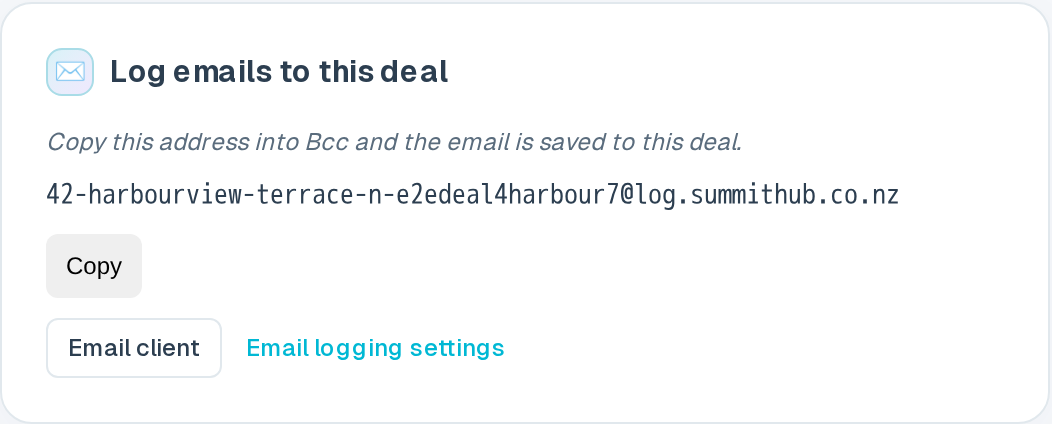
- One address per job. It sits on the deal page in the Log emails to this deal box, with a Copy button. Your organisation's shared address is in Settings.
- Bcc it, or press Email client. On the deal, Email client opens your mail app with the deal's contacts in To and the deal's log address in Bcc. Write the email and send it as usual.
- It shows on the deal. A copy appears in the deal's activity for the whole team, usually within a few minutes.
Emails go to the right deal, and you can move them.
An email to a deal's own address goes to that deal. An email to the organisation address goes to all of that client's open deals, or to their latest deal if none are open.
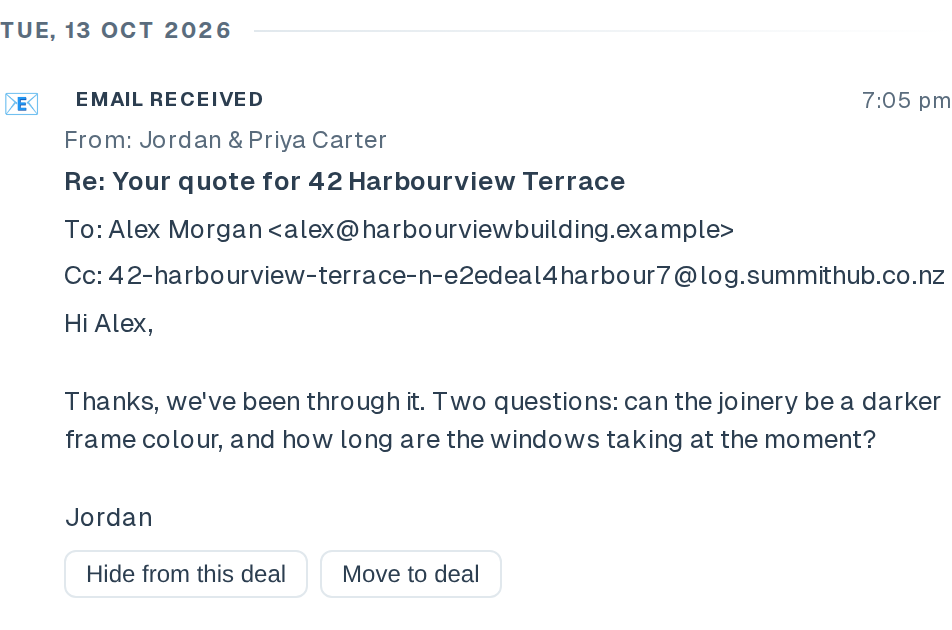
- Hide or Move it. If an email lands in the wrong place, hide it or move it from the deal's activity. Owners, overseers and anyone allowed to manage logged emails can do this.
- Replies need Cc, not Bcc. Bcc alone does not capture a client's reply. Email client puts the address in Bcc, so move it to Cc if you want replies. They are logged when the client replies to everyone; a plain Reply drops the Cc.
Set it up once for the office.
Outlook and Gmail can't add a Bcc to every email for one person. So save the organisation address as a contact called Summit log and pick it each time, or ask your Microsoft 365 or Google Workspace admin to add a send rule for the whole team.
- Step-by-step guides. The Email logging tab and the help guide cover Outlook, Gmail, Apple Mail and both admin consoles.
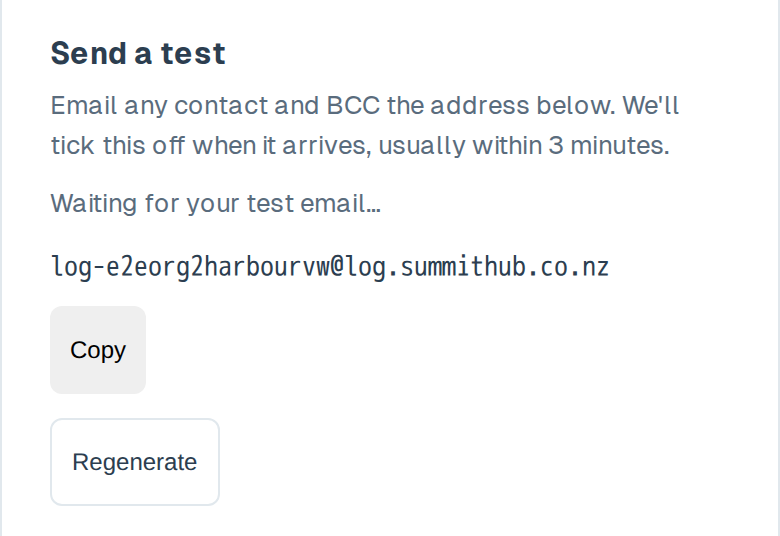
- Send a test. Email any contact and Bcc the organisation address. The test box ticks itself off when the email arrives, and if the email was not kept it says why.
The full steps are in the email logging help guide.
What is kept, and what is not.
Summit Hub checks every email before it keeps anything.
- Only email that really comes from who it says. Email that fails SPF, DKIM and DMARC checks is not kept.
- Only your people. The organisation address accepts email from your staff only. A deal's address accepts your staff and that deal's contacts.
- No auto-replies. Out-of-office replies and meeting responses are dropped.
- A never-log list. Add your accountant, your lawyer, a personal address or a whole domain. Any email with one of them on it is not kept at all.
- Duplicates are kept once. A manual Bcc plus a send rule does not double up.
- Text and attachment names. Summit Hub keeps the text, a cleaned copy of the formatting, and the names and sizes of attachments, but not the attachments themselves. Encrypted email keeps only the subject and who it was between.
- For your team only. Logged emails show in the deal's activity for your staff. They are not shown to clients in the client portal.
Email logging is on every plan, for deals kept in Summit Hub's own CRM
Keep the client conversation with the job.
Email logging comes with every Summit Hub plan, for deals kept in Summit Hub's own CRM. It does not work on deals that live in HubSpot.
See pricing